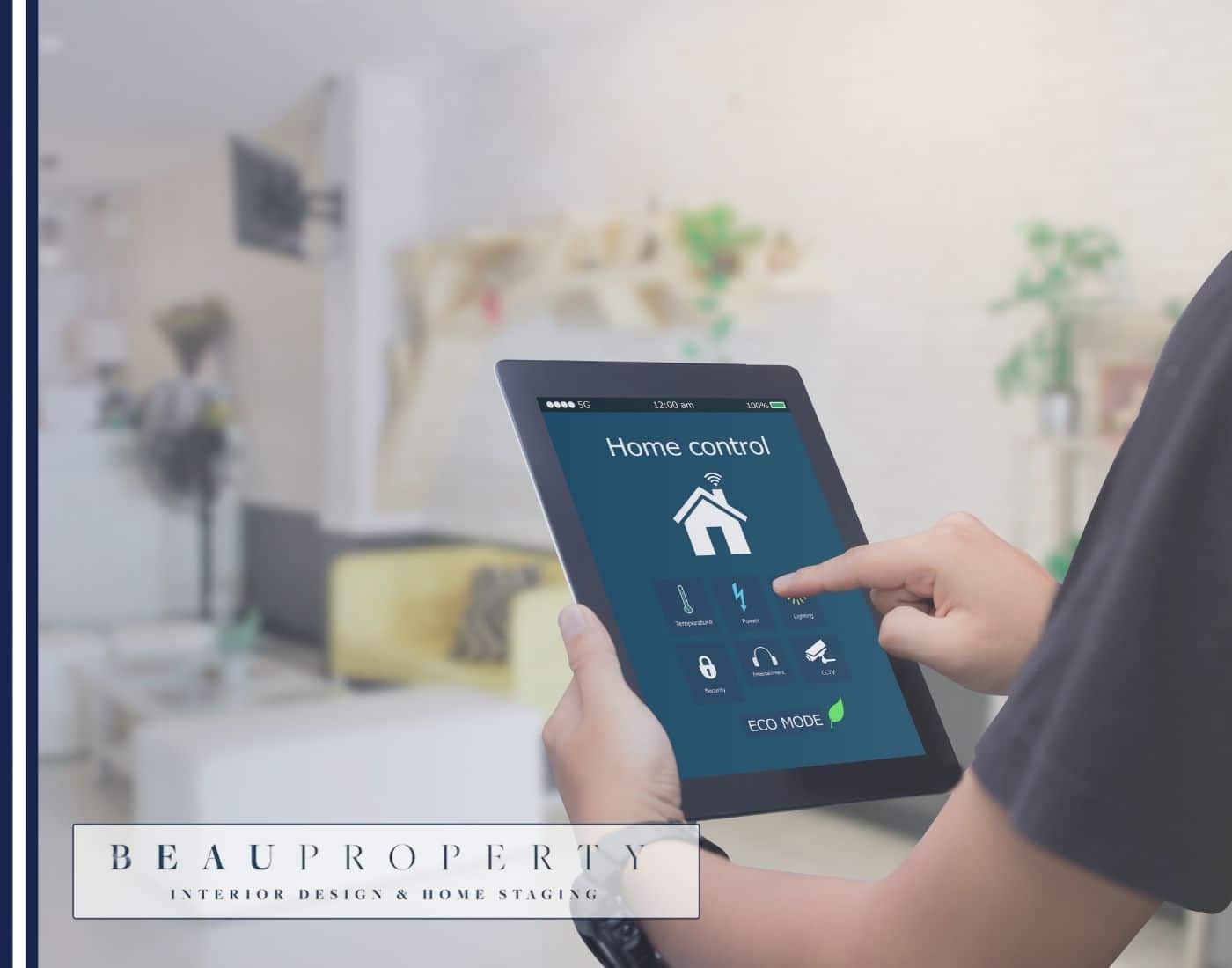
Smart home tech has become genuinely mainstream in UK homes. Hive and Nest thermostats, Ring and Arlo doorbells, Philips Hue bulbs, Sonos speakers, and Alexa or Google Home assistants are now common in UK homes, although no published figure counts how many homes on the market have them. That creates a staging question few sellers think about carefully: does this tech help me sell the home, or does it just add clutter to the viewing?
The answer depends entirely on how it is staged. A tangled hub in the hall, cables visible behind the TV, and an Alexa that starts talking during a viewing actively hurt a sale. A clean, labelled, demonstrably working smart home set-up gives buyers who value convenience and energy efficiency something they can see. No published UK study measures what it adds to an offer. This guide is a working stager’s view on what to do with each category of smart tech during the sale.
For the broader energy efficiency story these features plug into, see the role of energy efficiency in home staging. For the lifestyle staging approach, see staging tips for eco-friendly homes.
Does smart home tech actually add value when selling a UK home?
Yes, but only when the tech is visible, working, and presented as part of the home rather than bolted onto it. A well-integrated smart home set-up gives buyers something they can see working, which tends to matter most to buyers who value convenience. No published UK study measures its effect on offers. A half-finished smart set-up (one abandoned hub, a dead Ring doorbell) works against the sale.
Buyer perception breaks down roughly like this:
- Smart thermostats read as energy-conscious and easy-to-run. Universally positive.
- Smart lighting reads as considered, photo-friendly, and modern. Positive when clean, neutral when excessive.
- Smart security (Ring, Arlo, Nest Hello) reassures and adds perceived safety. Positive.
- Smart speakers (Alexa, Google Home) are neutral, seen as belonging to the seller rather than the home, unless built into ceilings.
- Whole-home automation (Control4, Loxone, Crestron) is a strong selling feature at the top of the market but can feel excessive in a more modest home.
The goal during staging is to dial up the genuinely useful tech and hide or remove everything else.
How should you stage smart thermostats and heating controls?
Stage smart thermostats by cleaning the unit, ensuring it is powered and displaying correctly, positioning it at eye level where buyers naturally pause, and adding a small information card showing annual heating costs. Nest, Hive, and Tado units photograph well and signal active efficiency management to viewers.
Practical staging steps for a Hive or Nest thermostat:
- Wipe the screen clean of fingerprints. A smudged thermostat reads as neglected.
- Check the display is showing the current room temperature, not an error message or “offline” warning.
- Set heating to 19°C an hour before the viewing, so the home is warm and the thermostat reads as actively managing comfort.
- Position at eye level. If the thermostat is awkwardly placed behind a door or below a light switch, consider relocating (or at least adding a small display card elsewhere).
- Add a running cost card on a nearby shelf or sideboard showing the home’s actual annual heating cost, taken from your own bills. Leave out manufacturers’ savings percentages: what a smart thermostat saves depends on the home and on how it was heated before.
Hive and Nest both offer apps the seller can open on a tablet during viewings. A visible graph of last month’s heating use (in £ or kWh) is a powerful and memorable touch, particularly for buyers who care about running costs.
How do you present smart lighting during property viewings?
Present smart lighting by programming it to a clean “viewing scene” that lights every room attractively, removing any leftover party modes or colour-change sequences, and keeping visible hubs neatly hidden. Smart lighting improves both photography and buyer experience when it is understated.
Smart lighting done well:
- Programme a single “viewing scene” that sets every room to warm white at around 70% brightness. This works for both daytime viewings and evening ones.
- Remove colour effects and scenes that could trigger during a viewing (Halloween orange, party disco, etc.). Many buyers are put off by obvious personalisation.
- Hide the hub. Philips Hue bridges, LIFX modules, and similar kit should be tucked into cupboards with cables managed, not perched on shelves.
- Leave one remote or app tablet visible. A Philips Hue remote on a hallway console, or a tablet on the kitchen worktop open to the Hue app, demonstrates the system without buyer needing to ask.
- Match bulb colour temperature. Mixed cool-white and warm-white bulbs across a room photograph as chaotic. Standardise.
Smart lighting also solves one common staging problem: viewings at dusk in winter. Where conventional bulbs turn rooms yellow and gloomy at 4pm, a pre-programmed smart scene keeps the home bright and photographable throughout the selling season.
How should you stage smart security systems?
Stage smart security by ensuring all cameras and doorbells are clean, working, and visibly connected, while removing any obvious recording indicators that make buyers feel watched. A well-presented Ring or Arlo system reassures buyers; a poorly presented one feels invasive.
Smart security principles:
- Clean every lens. A Ring doorbell with a scuffed, dirty lens signals neglect. A minute with a microfibre cloth fixes it.
- Confirm each camera is online in the app. Dead cameras on a viewing indicate bigger maintenance problems.
- Remove visible recording notices. Signs reading “Smile you’re on camera” or “24/7 surveillance” feel confrontational at a viewing. The system can stay; the signage should go.
- Explain coverage briefly in the viewings folder. A small diagram showing where cameras are sited reassures buyers and signals transparency.
- Pause doorbell recording during viewings. Ring and Arlo both allow temporary mode changes so the doorbell does not alert every buyer arrival.
- Offer handover clarity. Include instructions in the sale pack for how the buyer transfers ownership of Ring/Arlo devices on completion.
What about smart speakers, Alexa, and Google Home?
Leave smart speakers in place if they are permanently installed (ceiling Sonos, in-wall Sonance, etc.), and remove them if they are portable (Echo Dot, Nest Mini). Portable speakers feel like the seller’s personal belongings and can activate unexpectedly during viewings, which disrupts the experience.
- Permanent ceiling or wall speakers. These read as part of the specification. Leave them, label the input in the AV cupboard, and include the Sonos or multi-room system in the sale.
- Portable speakers (Echo, Nest Mini). Remove before viewings. If the seller wants to demonstrate a built-in smart home integration, they can do so via a hidden tablet rather than a speaker that might start playing music when someone mentions “Alexa”.
- Disable the wake word on any remaining Alexa or Google Home devices during viewings. Nothing kills a flow-state viewing faster than “Alexa, I’m not sure what you just said” from the kitchen.
How do you stage whole-home automation systems?
Whole-home automation systems (Control4, Loxone, Crestron, KNX) deserve full showcase treatment during viewings. Set the system to a curated “open house” scene, leave a tablet or wall panel visible in the main living area, and include detailed documentation in the sale pack. These systems are most at home in high-value properties, where buyers are more likely to expect them.
Steps for a Control4 or Loxone home:
- Programme a viewing scene named something clear (“Viewing” or “Open House”) that handles lighting, heating, blinds, and music.
- Assign the scene to one obvious trigger: a wall panel in the hallway or a button on the main living room keypad.
- Display the app on a tablet left on the kitchen island, open to the main dashboard.
- Compile a system handover pack with installer details, programming files, user manuals, and warranty information.
- Confirm buyer support is available from the original installer for a reasonable period after sale.
A fully-documented smart home system reassures buyers that the technology is supported rather than orphaned. An undocumented system makes buyers nervous. The difference matters most on high-end properties, where these systems are more common.
What should you remove before viewings?
Remove anything broken, abandoned, or obviously personal before viewings. Failed smart devices read as neglect; abandoned devices read as seller overspend; deeply personal set-ups read as “buyer will have to strip this out”. A clean, functional smart home appears effortless; a messy one advertises problems.
Checklist to run before the first viewing:
- Dead or disconnected smart bulbs. Replace with working smart bulbs or plain warm-white bulbs.
- Abandoned hubs. Old Z-Wave, Zigbee, and legacy Hive hubs that were superseded should be removed.
- Loose cables. Cable-manage every device. Zip ties, trunking, and cable covers cost little and transform the look.
- Half-finished installs. Holes in walls from removed devices should be filled and painted.
- Personal account logins. Log the seller out of Alexa, Google Home, Ring accounts, and any other devices staying with the home, to demonstrate handover readiness.
- Old branded stickers. Remove supplier stickers from thermostat fascia, smart plug units, and security cameras.
How does smart home staging support the wider energy efficiency story?
Smart home staging reinforces the wider energy efficiency story by making active management of the home visible and ongoing. A buyer who sees a Nest thermostat, LED smart lighting, and a recent boiler service certificate reads the home as a cared-for, efficient, modern property, even if they never consciously register the individual features.
This matters because buyer perception compounds. A home with an A-rated EPC and visible smart controls and a neat sustainable materials palette feels intentional in a way that a home with just one of those elements never does. Our guides on the role of energy efficiency in home staging and sustainable materials for home staging cover the adjacent pieces of this narrative.
Frequently Asked Questions
Does smart home tech transfer to the buyer automatically when I sell?
Most fitted smart devices (thermostats, doorbells, cameras, switches) stay with the property as fixtures. Portable devices (Echo Dots, Nest Minis, remote controls) usually go with the seller. The sale contract should specify which items are included. For cloud-dependent devices, factory reset and remove your account before handover so the buyer can set up their own.
Should I factory reset smart devices before viewings?
No. Factory-reset devices show errors and offline status during viewings, which undermines the whole point of staging them. Leave devices working on your own account for the viewings period. Factory reset on completion day as part of the handover pack.
Do smart home features appear on UK EPC assessments?
Indirectly. An EPC assessor records the type of heating controls, such as a programmer, room thermostat and thermostatic radiator valves, and the type of lighting. A smart thermostat therefore counts for the controls it provides, not for being smart. Guidance for UK EPC assessors from Quidos notes that Hive and Nest-type controls are often entered wrongly, so show the assessor the unit itself. Cameras, speakers and voice assistants do not appear on the EPC.
Will buyers pay more for a smart home?
No published UK study measures how much smart home features add to an offer. They are most likely to help when the tech is clean, working and demonstrably saves money or hassle, and least likely when it looks half-finished or personal to the seller.
Ready to stage your smart home for sale?
Beau Property Staging works across Kent, Sussex, and Surrey with sellers whose homes include smart heating, lighting, and security. We help you present the tech as a genuine feature rather than personal clutter, so buyers see the efficiency, convenience, and future-readiness baked into the property.